Good Free Workout Apps: What “Free” Really Covers, Subscription or Not
Good free workout apps exist, but “free” covers different deals. Nike Training Club is free for Nike Members, and joining is free. Hevy, Boostcamp and FitOn keep their core free and charge for more. Fitify and Freeletics give you a sample. Some show ads; Apple Fitness+ is free only as a trial. Listings usually tell you which before you install.
In this guide
- “Free” covers six different deals
- Seven free workout apps, read on their listings
- Are there any 100% free workout apps?
- How to check a listing before you install
- No subscription, no ads, no sign-up: what to look for
- Which free app fits what you want
- When paying is worth it
- SWADE: free to play, energy for more
- What this guide doesn’t cover
- Frequently asked questions
On October 20, 2026, Google’s suggestions around “free workout app” included “without subscription”, “no ads”, “no sign up” and “reddit”. People have been burned. In a December 2025 Reddit thread titled “Workout apps that are ACTUALLY free and helpful”, the poster writes that “so many things claim to be free”: they typed in all their details, then landed on a subscription. This guide sorts the free deals, reads seven apps’ listings for you, and shows you how to read the next one yourself.
“Free” covers six different deals
The seven apps in the next section are free to download. What changes is what you get once they’re installed. Here are six deals; some apps mix two.
| The deal | Without paying | The catch | Where we saw it (October 20, 2026) |
|---|---|---|---|
| Free, full stop | Everything the app offers | You may still need an account | Nike Training Club |
| Free core, paid extras | The app’s main job: logging, a program library, classes | Limits or extras you meet later: Hevy’s routine cap, Boostcamp’s coach programs, FitOn’s meal plans | Hevy, Boostcamp, FitOn |
| Free sample, paid plan | Some workouts, picked by the app | The plan made for you, the AI coach, more workouts | Fitify, Freeletics |
| Free with ads | The app, with ads in it | The ads; the three apps we saw also sell a subscription | Home Workout - No Equipment; Freeletics on Google Play; Fitify on the App Store |
| Free trial, then a subscription | The paid version, for a while | It renews on its own unless you cancel it in the store | Apple Fitness+, which says it requires a subscription |
| Free daily play, refills for more | The day’s session, and more games while your energy lasts | Out of energy, more play waits for a refill, or for Premium | SWADE, coming soon |
“Free” on a store button only means the download. The deal is in the listing’s small print.
Seven free workout apps, read on their listings
These seven come up in Google’s results and suggestions for free workout apps. What’s free is what each app’s listings and own pages say, in our words; we didn’t test the apps.
| App | What it is | Free, without paying | Paying adds | Ad and purchase labels |
|---|---|---|---|---|
| Nike Training Club | Trainer-led workouts, for home or the gym | Its workouts, for Nike Members; joining Nike is free | Nothing: no in-app purchases listed | None |
| Hevy | A log for your gym sets | Logging, with up to 4 saved routines and 7 custom exercises | Unlimited routines and custom exercises, your full history, more stats; monthly, yearly or “Lifetime” | In-app purchases |
| Boostcamp | Lifting programs and a tracker | The program library and the tracker, with no ads | Exclusive coach programs, deeper analytics | In-app purchases |
| FitOn | Video classes, from cardio to Pilates | The workouts, which it says stay free | FitOn PRO: meal plans, offline downloads, premium music and more | In-app purchases |
| Home Workout - No Equipment | Bodyweight plans with animated demos | The app, with ads; neither listing says which features are free | A subscription that unlocks all features, say its App Store terms | Ads, in-app purchases |
| Fitify | Bodyweight and equipment workouts | A selection of workouts | Fitify Pro: a plan made for you, an AI trainer, more workouts | In-app purchases; ads on the App Store only |
| Freeletics | Bodyweight HIIT and an AI coach | A free version with a set of HIIT workouts | The Freeletics Coach: plans built for you | In-app purchases; ads on Google Play only |
Read on October 20, 2026: each app’s US listings on the App Store and Google Play, nike.com, Hevy’s help center (updated October 7, 2026), boostcamp.app, fitonapp.com and apple.com; Google Play Help, Play Console Help and Apple Support; Apple’s pages on age ratings and app privacy; a Reddit thread from December 2025; a 2026 list updated July 5, 2026. No prices: the store shows yours before you pay. Nike Training Club, Nike, Hevy, Boostcamp, FitOn, Home Workout - No Equipment, Fitify, Freeletics, Apple Fitness+, App Store, Apple, Google Play, Google and Reddit are trademarks of their respective owners. SWADE is independent and is not affiliated with, sponsored or endorsed by any of them.
Three things stand out. Only one of the seven has neither label. The two stores don’t always agree: that day, Fitify’s ads label showed on the App Store only, and Freeletics’ on Google Play only, where its free version also counted 20 HIIT workouts, not 34. And your country counts: a footnote on Nike Training Club’s listings limits its video classes to the US, the UK and ten other countries. Read the listing of the store you’ll install from.
Are there any 100% free workout apps?
Yes, though of the seven apps above, only one passed a strict test on October 20, 2026: neither “In-App Purchases” nor “Advertising” on the App Store, and neither “In-app purchases” nor “Contains ads” on Google Play. That app is Nike Training Club. Its free access is for Nike Members, and Nike says joining costs nothing.
FitOn says its workouts are always free, and also sells FitOn PRO: the free core deal, which fits when the core is what you came for.
Failing the strict test isn’t a verdict on an app. It tells you where the money comes from: ads, a plan, or features you may want later.
How to check a listing before you install
Four checks on the listing, before you install:
- On Google Play, read the line under the app’s name. “Contains ads” and “In-app purchases” show there. The ads label isn’t optional: Google requires developers to declare ads, and can check. Upgrade offers don’t count as ads there.
- On the App Store, open Information. “In-App Purchases” lists what the app sells, with prices. One plan can show up twice, as Hevy’s “Hevy Pro - Monthly” did on October 20, 2026: the payment sheet shows what you’ll pay. Under Age Rating, “Contains” lists “Advertising” when the developer declared ads: Apple, too, makes developers disclose them. “Third-Party Advertising”, under App Privacy, isn’t that label: it says your data may be used for ads, in this app or elsewhere.
- Read the end of the description. The subscription terms live there: that it renews automatically, how to cancel, and often what the free version holds.
- Find the free version in the app’s own words. “Free to download” describes the button. A sentence that says what the free version contains describes the deal.
Two more once you open the app:
- Expect questions, then a price screen. That’s what the Reddit poster above ran into. Look for a way to close that screen before you tap anything. No way past it without starting a trial? Then that app is the trial deal.
- Starting a trial? Note the day it renews. On Google Play, uninstalling an app doesn’t cancel its subscription, Google’s help says: you cancel in Google Play’s subscriptions. On iPhone, Apple’s help has you cancel in Settings: tap your name, then Subscriptions.
Lists age, this one included. A 2026 list we found on Google’s first page says Hevy’s free plan doesn’t cap routines; Hevy’s help center, updated October 7, 2026, puts the cap at 4. When a list and the app disagree, the app’s own page wins. That goes for this guide too: its facts are as of October 20, 2026.
No subscription, no ads, no sign-up: what to look for
Google’s suggestions say it plainly: people want a free workout app with no subscription, no ads, no sign-up, no payment. What we read on October 20, 2026, and one rule of our own:
- No subscription. Nike Training Club sells none. Hevy, Boostcamp and FitOn work without one: Hevy’s subscription lifts its caps, Boostcamp’s and FitOn’s add extras.
- No ads. Check both stores: no “Contains ads” on Google Play, no “Advertising” on the App Store. Nike Training Club, Hevy, Boostcamp and FitOn had neither label. Hevy and Boostcamp also say “no ads” in their own descriptions.
- No sign-up. None of the seven listings says whether the app opens without an account. Nike Training Club’s free access is for Nike Members, Boostcamp’s site says to create an account, and FitOn’s says “sign up for free”; for the others, the first screen tells you.
- No payment details: our rule, not a listing’s. A free version shouldn’t need them. If a payment sheet comes up before your first workout, the store’s or the app’s, you’re starting a trial or a purchase, not the free version.
Which free app fits what you want
| You want | Start with | Why |
|---|---|---|
| To log your sets at the gym | A free-core tracker: Hevy or Boostcamp | Logging is free in both; check what each one charges for |
| Classes to follow along at home | Nike Training Club or FitOn | Free workouts in both; Nike’s video classes depend on your country |
| A bodyweight plan made for you | Fitify or Freeletics, free version first | Try the sample before you pay for the plan |
| No ads | Nike Training Club, Hevy, Boostcamp or FitOn | Neither store flagged ads for them on October 20, 2026 |
| A game that gets you moving | SWADE, coming soon | The day’s session is free; your moves are the controller |
| You’re just starting out | Our guide to workout apps for beginners | It sorts apps by what each kind asks of you: know-how, gear, space |
| Pain that won’t go away | A doctor first | An app doesn’t replace medical advice |
| You’re under 15 | Not SWADE | SWADE is made for players 15 and up |
When paying is worth it
A free version may be all you need. Before you pay, four rules the store won’t give you:
- Pay for a limit you hit, not for a promise. If Hevy’s routine cap keeps getting in your way, Pro solves a real problem. A plan you haven’t tried yet is a promise.
- Use the free part first. If you don’t open the free version, the paid one won’t change that. The app that gets you moving is the one you open again tomorrow.
- Treat a trial as a deadline. It’s a fine way to try a paid plan: if the app isn’t for you, cancel before it renews.
- Or skip the app. In that December 2025 Reddit thread, replies point to free workout videos online and to a spreadsheet for logging sets. An app earns its place when it does something those don’t.
SWADE: free to play, energy for more
SWADE is our game, so here is its deal, read the same way. It isn’t 100% free either.
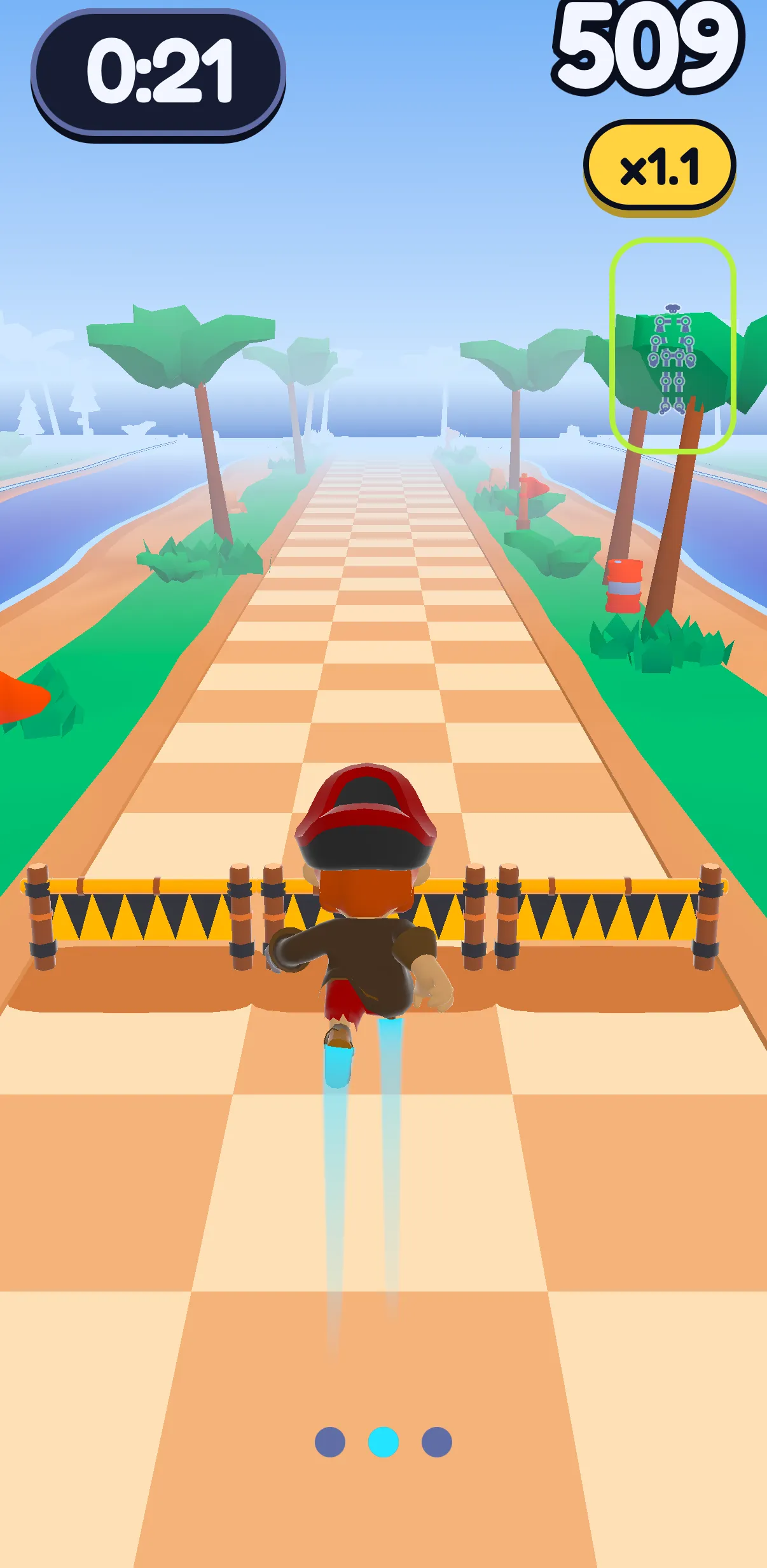
SWADE is a fitness game app for iPhone and Android, coming soon: it isn’t in the stores yet. The camera turns your moves into the controller. In the Runner, you prop your phone about two meters (six and a half feet) away, then jump, squat and step aside to get past obstacles. In Push Flight, the phone stands on the floor against a wall, facing you: you hold a plank, and your push-ups fly Sway, SWADE’s weasel, through gates; push-ups on your knees count too. How a camera counts a push-up: our push-up counter guide.
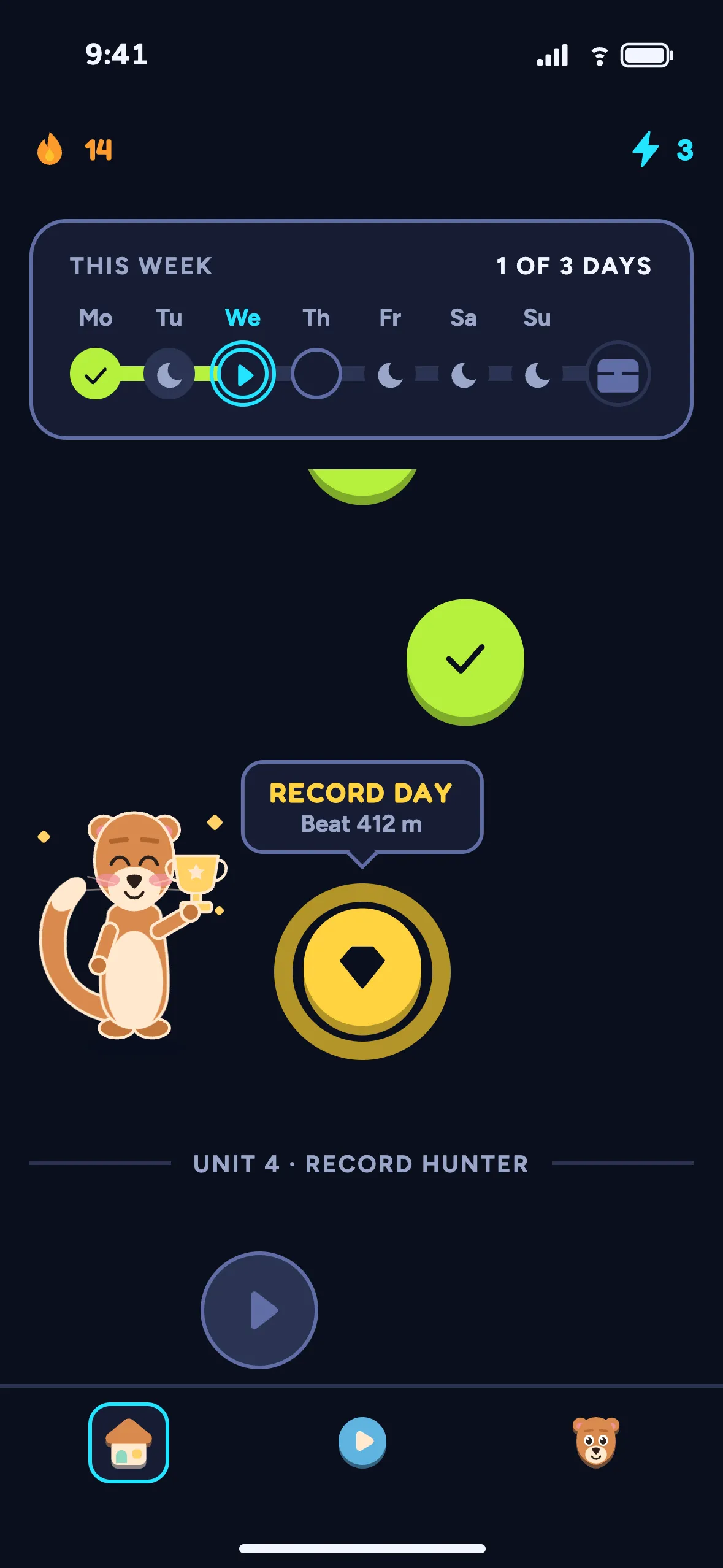
- Free, without paying: both games, the day’s session on your Path, your XP, your streak and your profile.
- The limit: playing more than the day’s session spends energy, Push Flight included; its first, guided round costs none. Energy refills over time. Beating a record gives one back, and so does a video, if you choose to watch one. No ad is ever forced on you, and none plays during a session. Out of energy, the day’s session stays free: “Still free · keeps your streak”, the energy screen says.
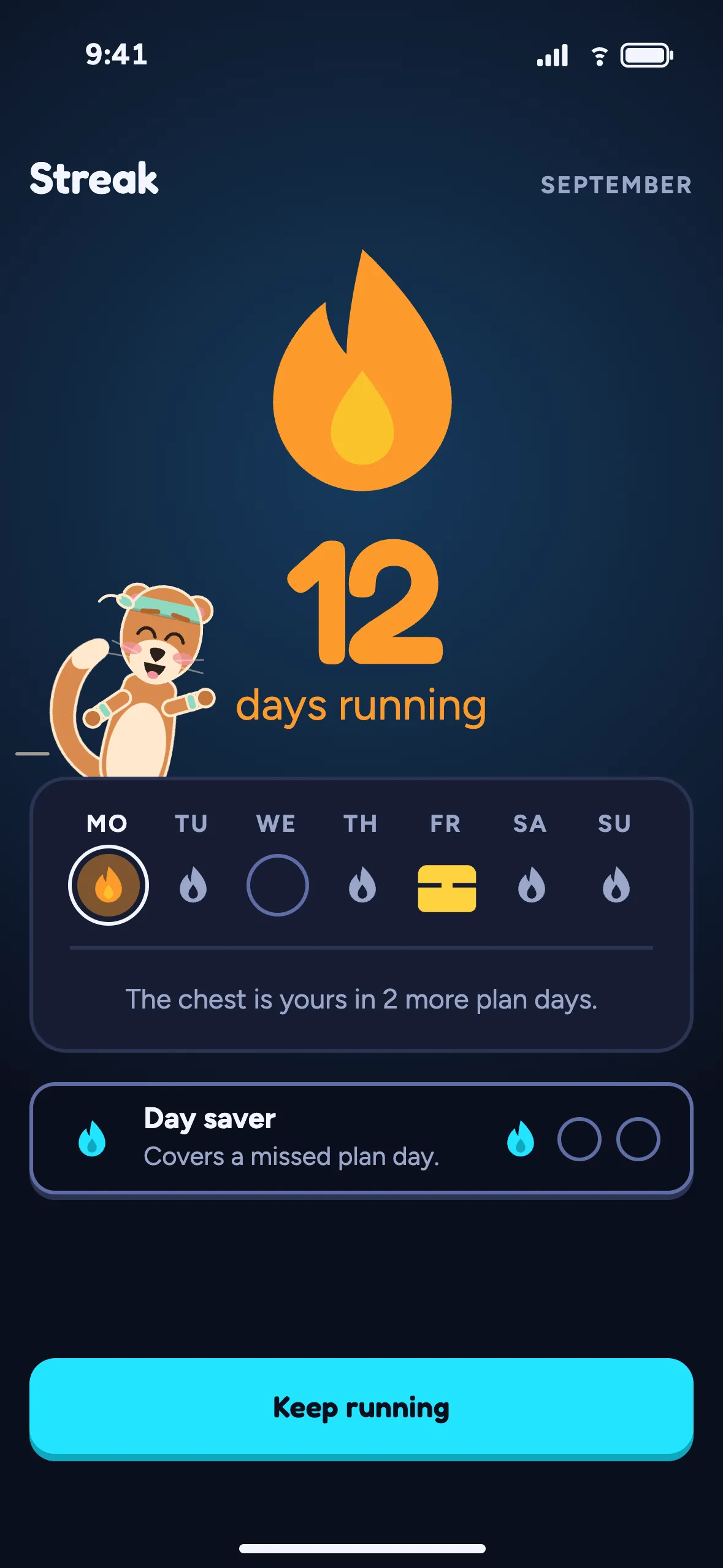
- Premium, optional: unlimited energy, and your streak protected with unlimited day savers, which cover missed plan days. Monthly or yearly; the yearly plan starts with a 14-day free trial for eligible players, then renews on its own unless you cancel it in the store. Its price comes from the store, which shows it before you pay. Under 18? Ask a parent before you subscribe.
- The account: your first three games need none; then SWADE asks for one (Apple, Google or email), so your XP and streak don’t live on one phone only.
- What it isn’t: a gym log, a class library or a meal planner. Lifting at a gym? A tracker from the table above fits better.
Your camera stays on your phone. The camera and the pose tracking run on the phone: no image, no video, not a single frame leaves it. What travels is the outcome: a score, your jumps, squats and push-ups. With “Help improve SWADE” on, as it is at first, a few numbers on how the camera followed you in Push Flight go too, with the usage stats, and so do short stick-figure clips of your moves (33 points, never an image). The clips are anonymous and are sent on Wi-Fi only. Details in the privacy policy.
What this guide doesn’t cover
- How good each app’s workouts are. We didn’t test or rank the apps.
- Prices. They change by country and by offer.
- Nutrition, calories and weight. We don’t talk about them here.
- Running and smartwatch apps. This guide sticks to workout apps on your phone.
- Pain and injuries. For those, a doctor first.
- Playing on a TV or computer. SWADE plays on the phone screen.
Frequently asked questions
What is the best 100% free workout app?
Of the seven apps we read on October 20, 2026, only Nike Training Club passed a strict “100% free” test: no purchase or ads label on either store. Its free access comes with a free Nike membership. For logging gym sets, Hevy and Boostcamp keep the log free and charge for more.
Is there a workout app with no subscription?
Yes. In the listings we read on October 20, 2026, Nike Training Club sells nothing, and free-core apps like Hevy, Boostcamp and FitOn work without one: their subscriptions lift limits or add extras. Hevy also lists a “Lifetime” option next to its monthly and yearly plans.
Is Nike Training Club free?
On October 20, 2026, yes: neither listing showed a purchase or ads label. Its free access is for Nike Members, and Nike says membership is free. Its listings offer the video classes in twelve countries only, the US and the UK among them.
Is FitOn really free?
Its workouts are, says its listing on October 20, 2026. It also sells FitOn PRO, with extras like meal plans, offline downloads and premium music.
How can you tell if a workout app is really free before installing?
Read the listing. On Google Play, the line under the app’s name says “Contains ads” or “In-app purchases” when they apply. On the App Store, open Information: “In-App Purchases” lists what it sells and, under Age Rating, “Contains: Advertising” flags declared ads. Then read the end of the description: what the free version holds, and the subscription terms.
Is SWADE free?
Free to play, not 100% free. The day’s session is free, with XP and your streak, and it stays free even when you’re out of energy. Playing more spends energy, which refills over time; beating a record gives one back, and so does a video, if you choose to watch one. No ad is ever forced on you. Premium is optional: unlimited energy and unlimited day savers, and the yearly plan starts with a 14-day free trial for eligible players, then renews unless you cancel it. SWADE is coming soon: it isn’t in the stores yet.